70% off every design until 1 December
Designs / Pearl save the date
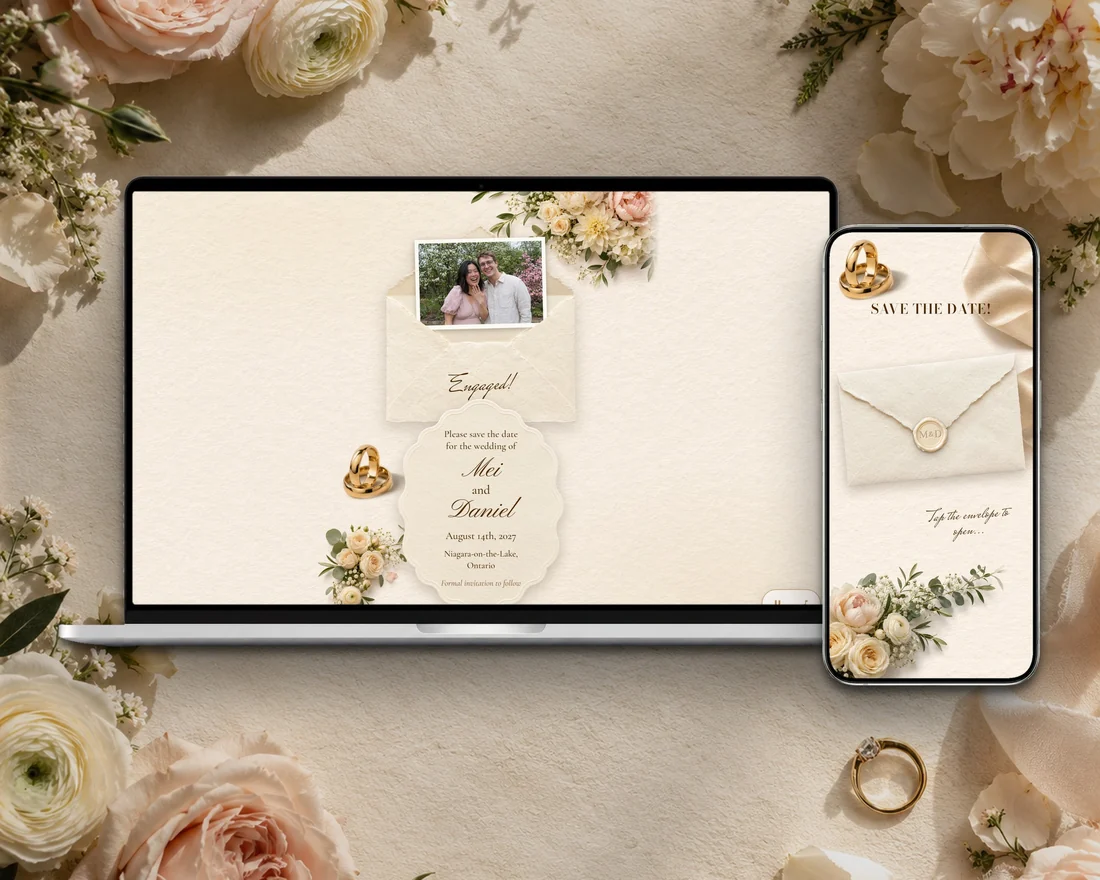
Pearl save the date: Laptop and phone
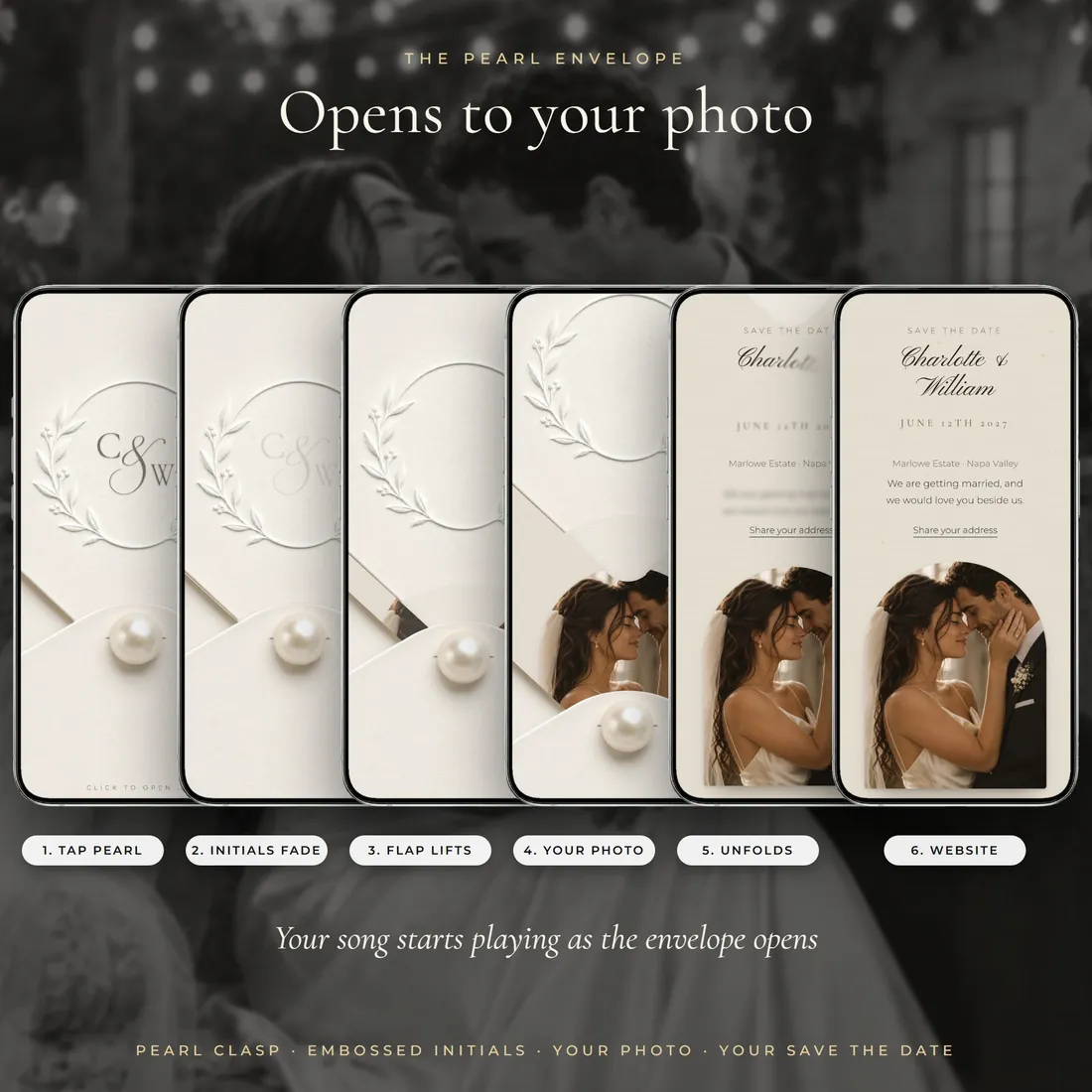
Pearl save the date: The opening
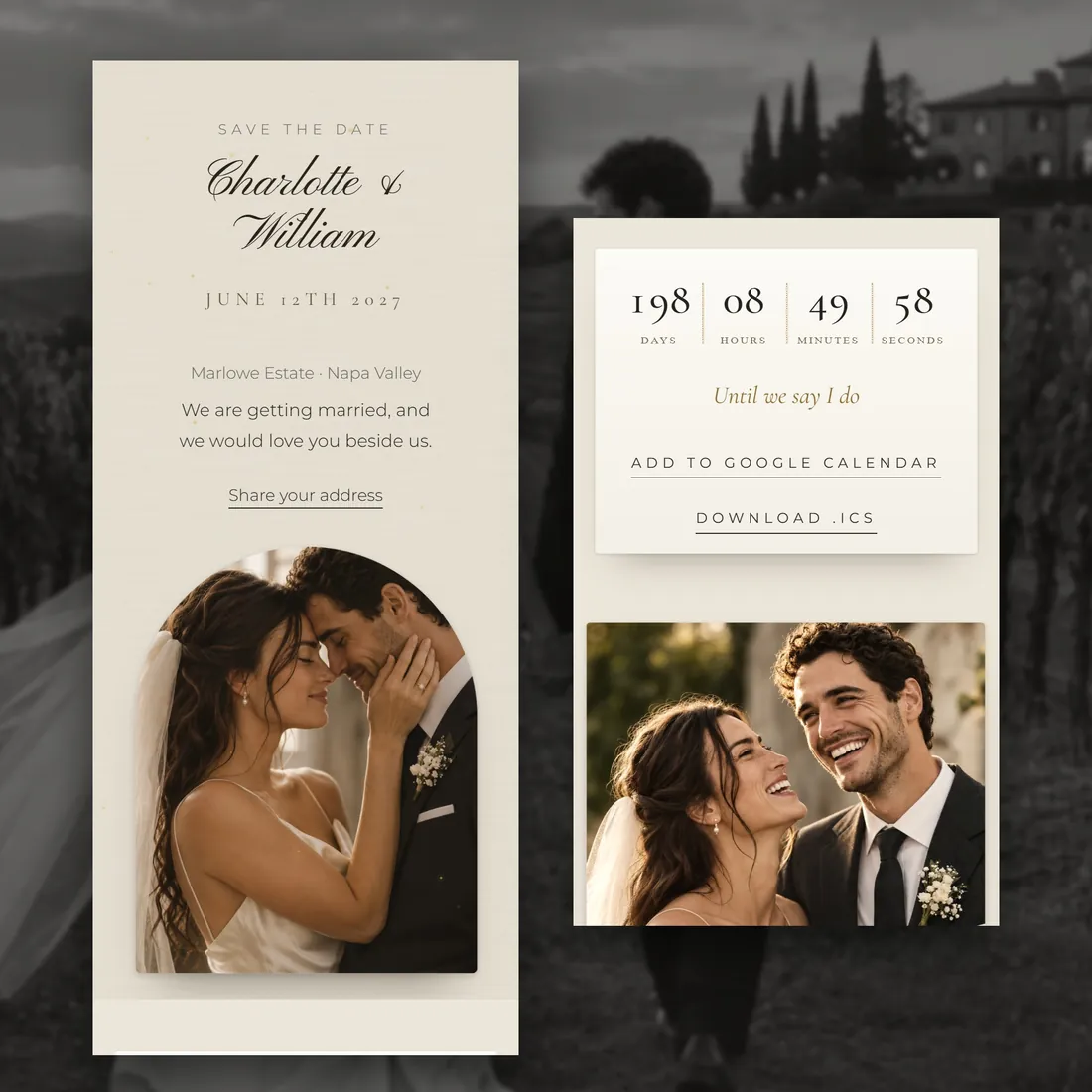
Pearl save the date: The page, top to bottom
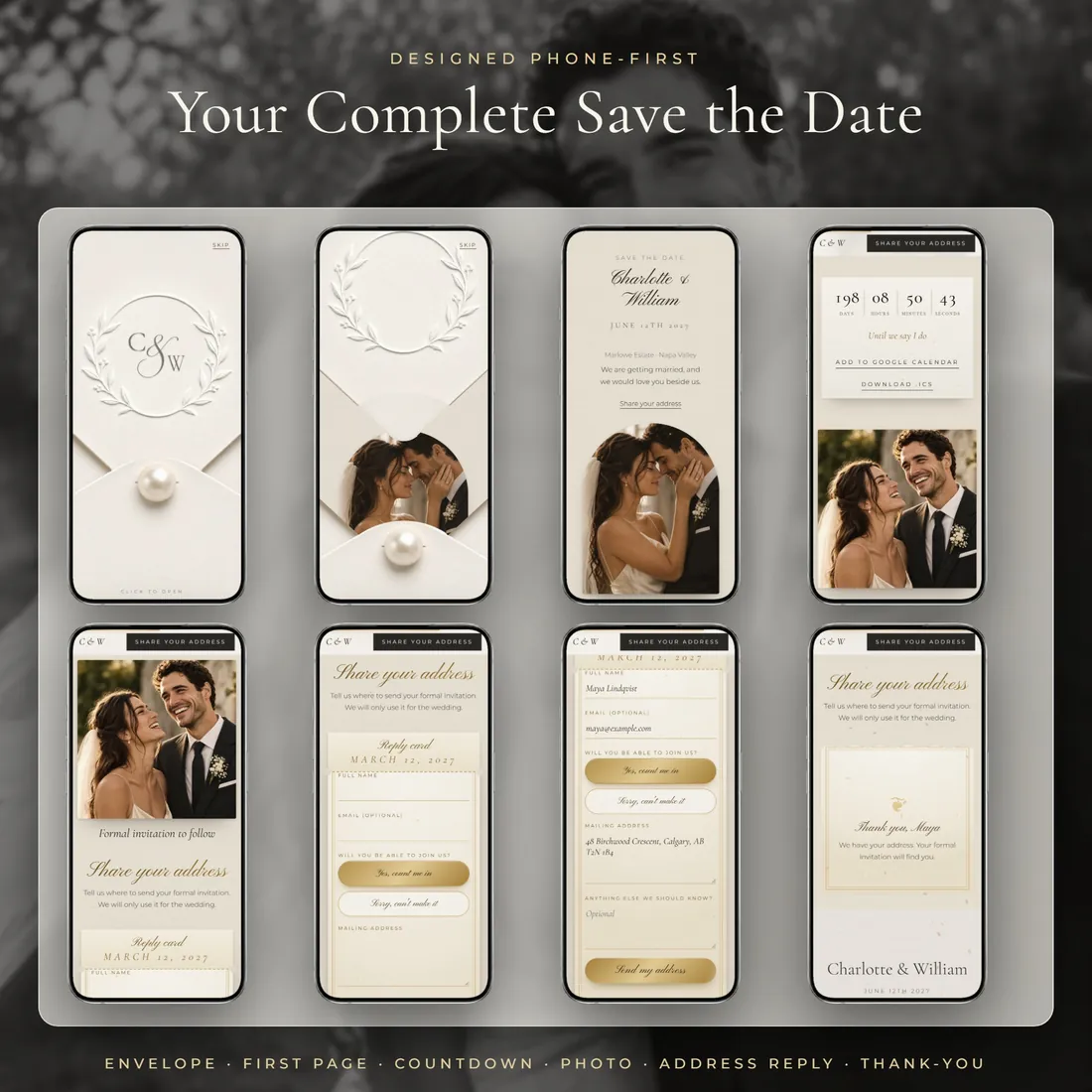
Pearl save the date: The whole save the date
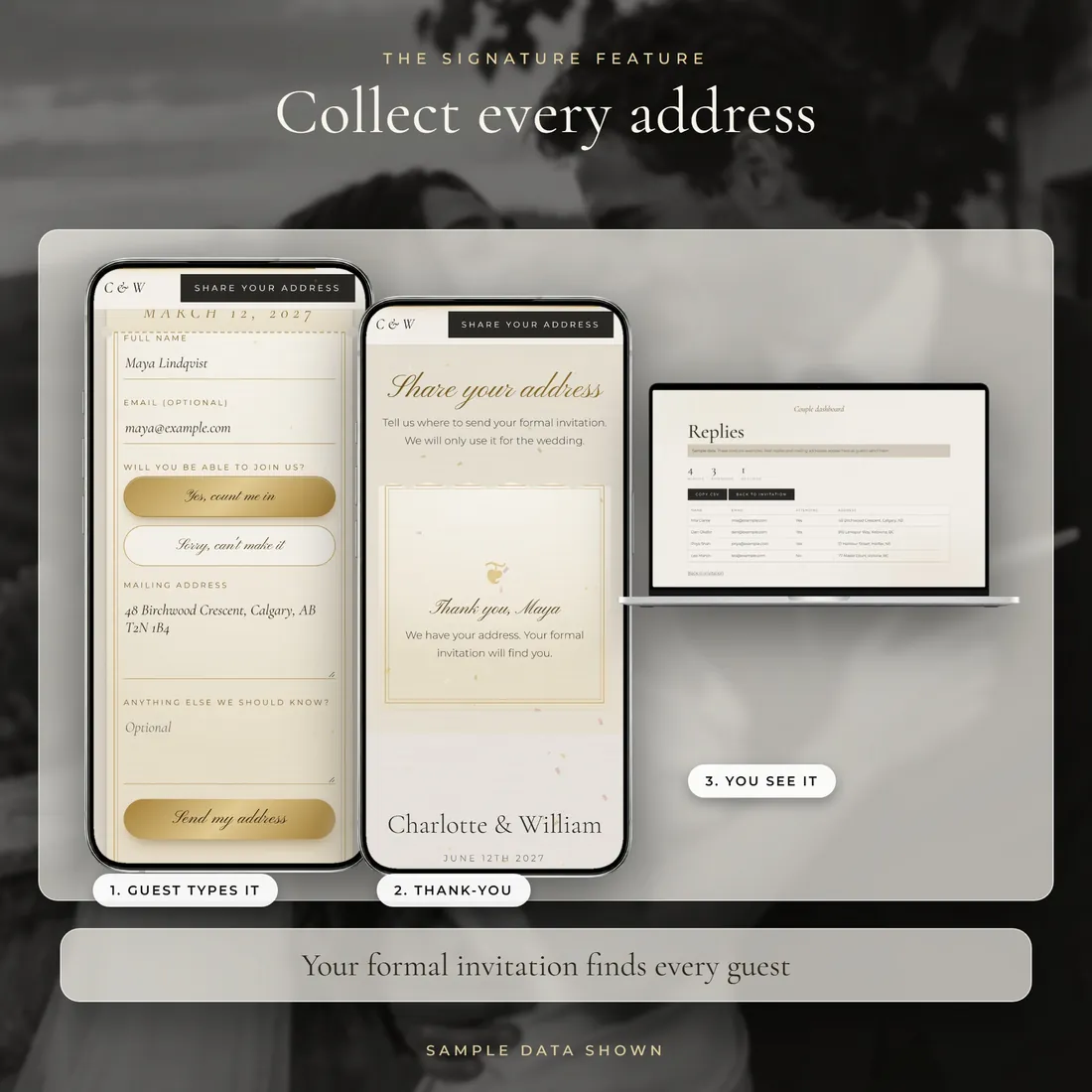
Pearl save the date: Collecting addresses
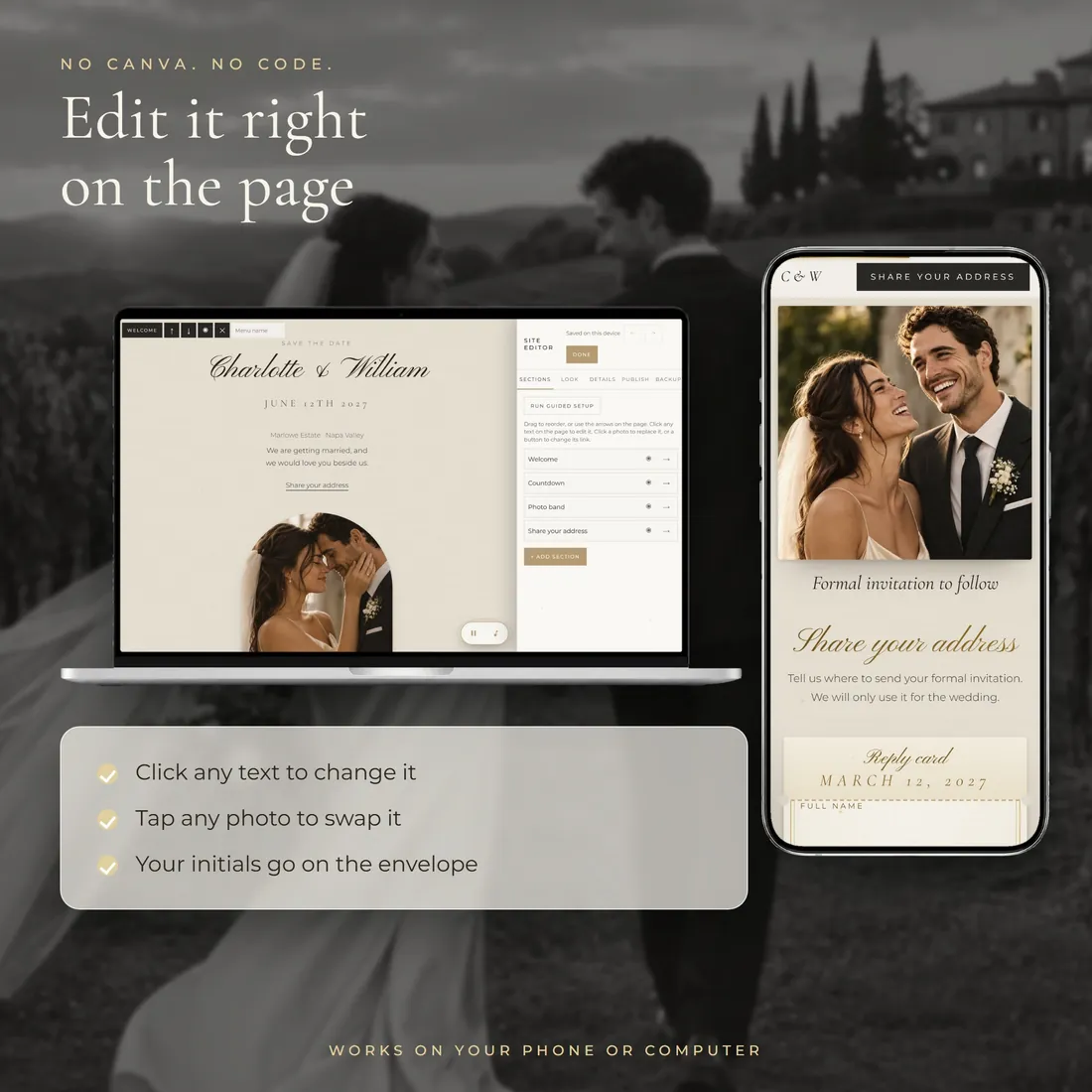
Pearl save the date: Edit it right on the page
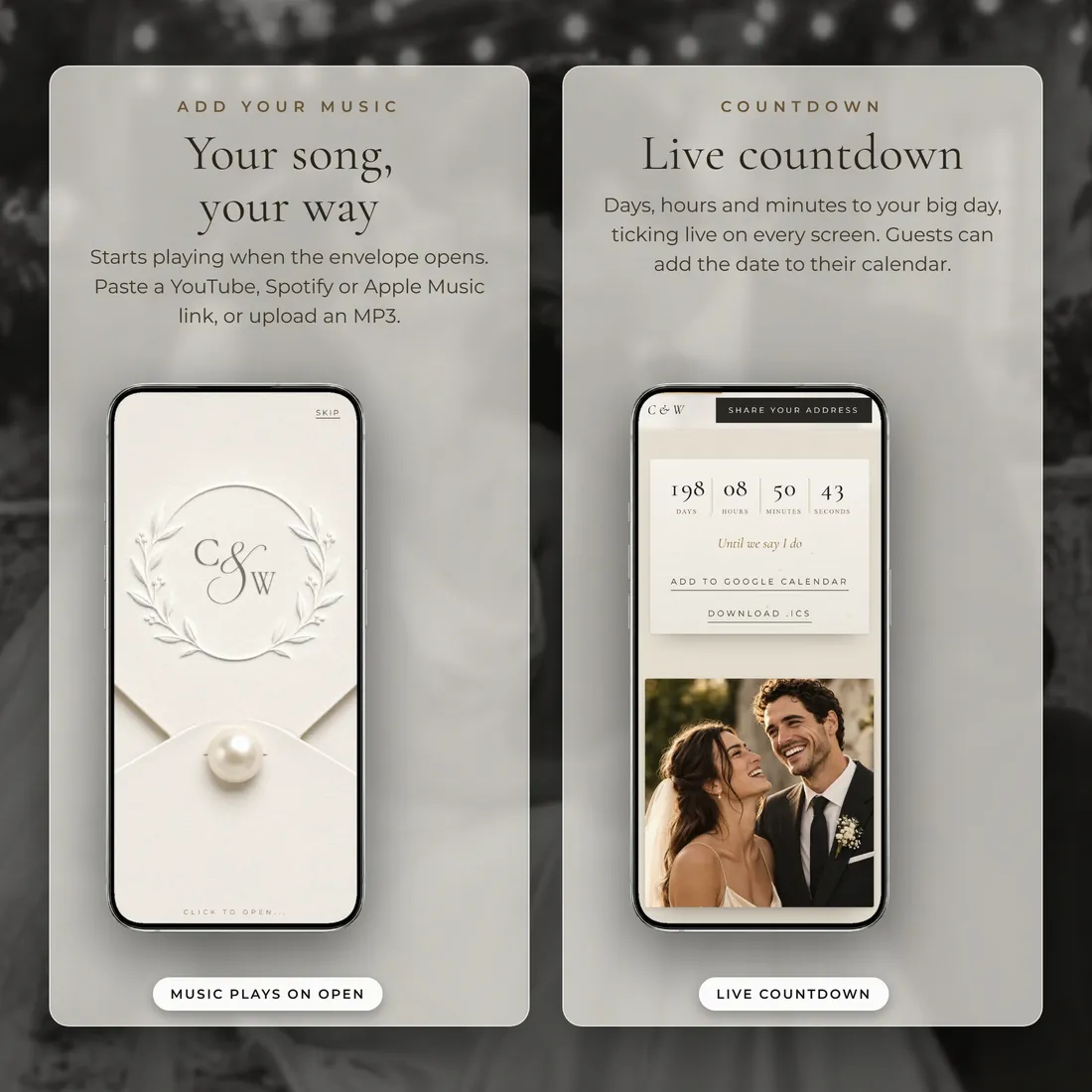
Pearl save the date: Your song and the countdown

1 / 7

Save the date website

Pearl save the date

Your guests tap the pearl on an embossed envelope. It opens with your song playing, and your names, your date and your photo appear, then a live countdown and a reply card for their mailing address.

CA$29.99 CA$9.00

70% off

Sale price, the same as in our Etsy shop. Sale ends 1 December.

One design, one wedding. Plus tax where it applies, shown before you pay.

Open the live demo  a sample site, best on your phone

  • Secure payment by Stripe
  • Your order number the moment you pay, and by email
  • 14-day money-back guarantee
  • We will help you set up if you have any problems

Also as a matching full wedding website: Pearl photo envelope

Type

Save the date website

Opens with

An embossed envelope with your initials and a pearl to tap.

Music

Starts on its own when the envelope opens. Switch to tap-to-play in the editor if you prefer.

Best for

A soft, light and elegant save the date.

About this design

Pearl save the date

A save the date with the soft, pearl-white look of our Pearl wedding website. One tap on the pearl opens the envelope and starts the song of your choice.

Your names, date, venue line with a map link and your photo come first, followed by a live countdown and a second photo with your note that the formal invitation will follow.

A reply card collects each guest's name, email, answer and mailing address, and everything arrives in your private dashboard.
What your guests experience

  1. The pearlAn embossed envelope with your initials. Guests tap the pearl.
  2. The first pageYour names, date, venue line and photo.
  3. The countdownA live countdown with Add to calendar.
  4. The noteA second photo with your formal invitation note.
  5. The replyA reply card for mailing addresses.
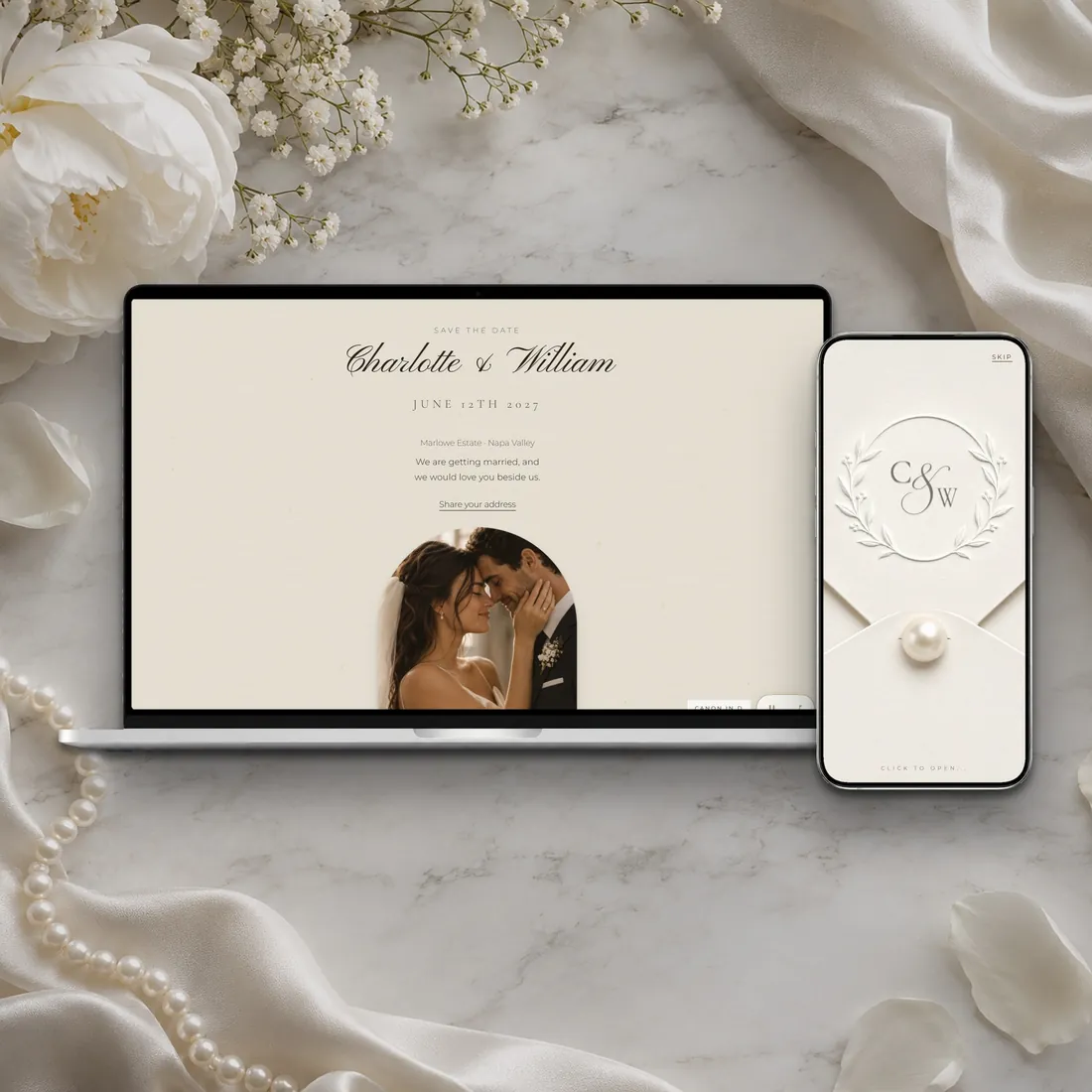
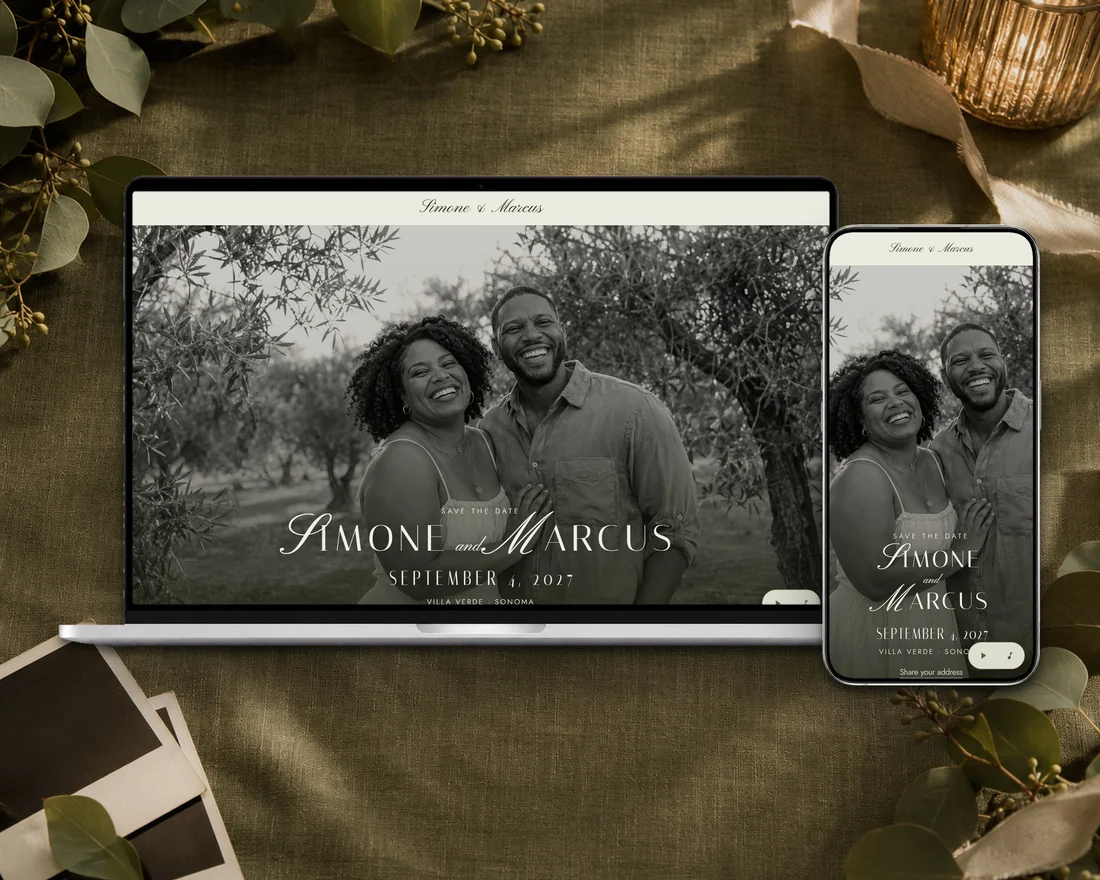
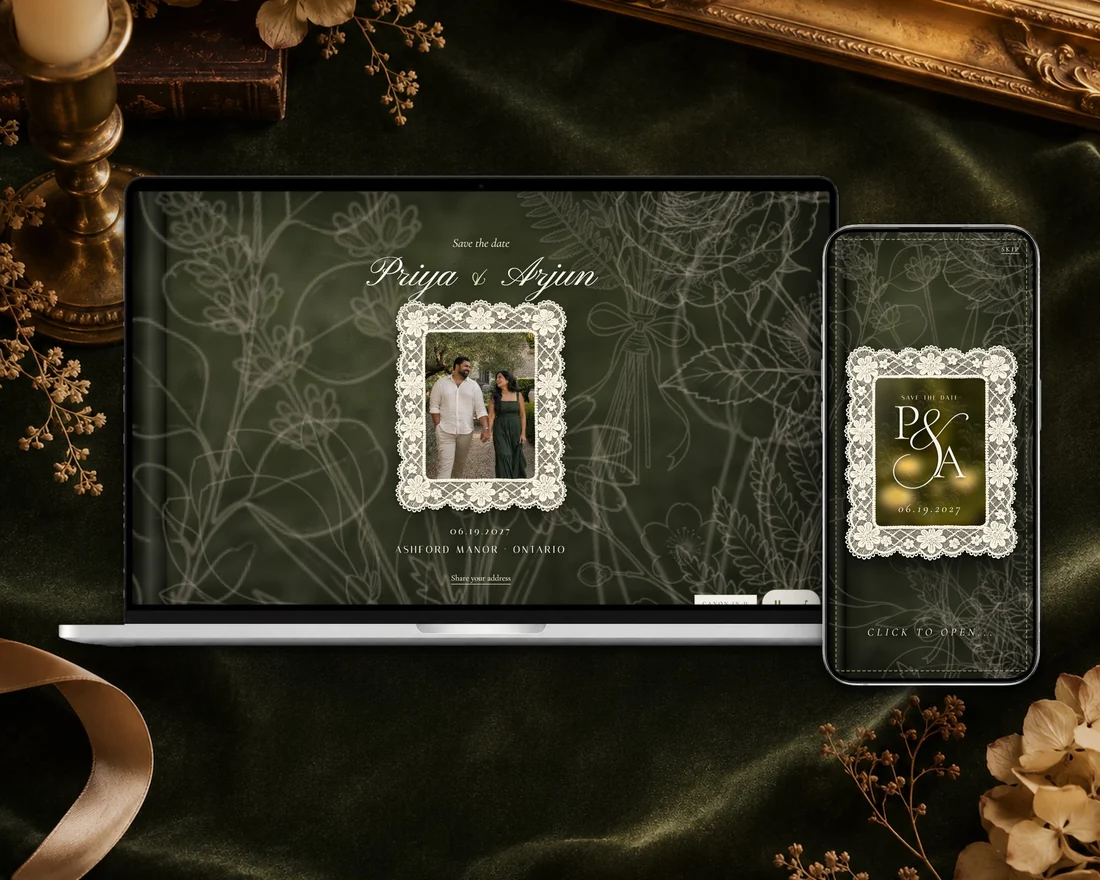
Pearl save the date shown in full on a laptop and a phone
The same design on a laptop and a phone. Open the live demo to try it yourself.

In this design

  • Embossed envelope with your initials that opens when your guest taps the pearl
  • Your names, date, venue line with a map link and your photo on the first page
  • Live countdown with Add to Google Calendar and a calendar file
  • A second photo with your note that the formal invitation will follow
  • Reply card that collects name, email, yes or no and mailing address
  • Private dashboard for every reply
  • Edit any text, photo or link right on the page

With every design

  • A private link that looks like vowestate.com/your-names
  • A private dashboard: see every reply, copy your guest list as CSV, get an email when a guest replies
  • Edit from your phone or computer; changes save automatically
  • A guided setup and a checklist that keeps your site private until you publish
  • Music: link a song from YouTube, Spotify or Apple Music, or upload an MP3
  • Hosted for up to 2 years. Download a complete copy any time.

How it works

Pay, set up, publish

1Pay securely

You get an order number straight away and by email.

2Create your site

Choose your web address, then follow the guided setup.

3Publish and share

Keep it private until you are ready. Replies go to your dashboard.

14-day money-back guarantee. Refund policy.

Good to know

The small print, in plain words

  • Works on phones, tablets and computers.
  • Digital product: nothing is shipped.
  • Photos shown are demo images. You add your own.
  • Music links: a YouTube link or an MP3 upload plays the full song for every guest. Spotify plays the full song for guests who are logged in to Spotify; other guests hear a short preview.
  • Keep your private editor link safe. It opens your editor and your replies.
Pearl save the date